
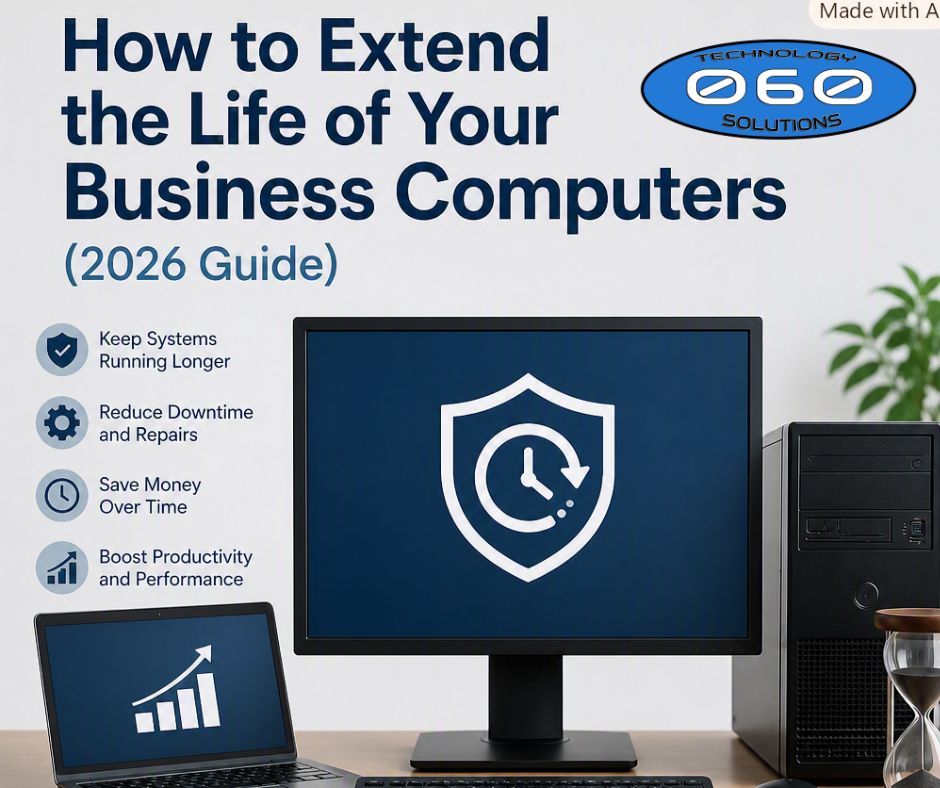

Keeping your business computers running longer isn’t just about saving money — it’s about protecting productivity, reducing downtime, and keeping your team efficient every day. With the right maintenance strategy, your devices can last years longer while staying secure and high‑performing. 🚀
At 060 Technology Solutions, we help Kansas businesses maintain, secure, and optimize their computers so they last longer and perform better — without the stress.
🔧 Why Extending Computer Lifespan Matters for Small Businesses
Replacing computers too frequently increases costs, but waiting too long leads to slow performance, security risks, and employee frustration 😩.
060 Tech provides lifecycle planning, performance monitoring, and security assessments to help you determine exactly when to maintain, upgrade, or replace your devices — saving you money and preventing downtime.
🛠️ 1. Perform Regular Maintenance to Prevent Early Failure
Routine maintenance is the foundation of long‑lasting business computers — and 060 Tech can handle all of it for you.
🧹 Clean Internal & External Components
Dust buildup causes overheating and premature hardware failure. 👉 060 Tech offers professional internal cleanings and thermal inspections to prevent overheating.
🔄 Install System Updates
Outdated software creates vulnerabilities. 👉 We provide automated patching, OS updates, and driver management to keep every device secure.
🔍 Inspect Hardware Components
Early detection prevents costly downtime. 👉 Our technicians perform hardware diagnostics, drive health checks, and RAM testing.
⚡ 2. Optimize System Performance for Long‑Term Efficiency
060 Tech helps businesses eliminate slowdowns and keep systems running at peak performance.
🗑️ Uninstall Unnecessary Programs
👉 We perform software audits and remove resource‑heavy apps safely.
🚫 Manage Startup Programs
👉 Our optimization service improves boot times and reduces background load.
🔁 Restart Devices Regularly
👉 With remote monitoring, we ensure devices follow healthy restart cycles.
🖥️ 3. Use High‑Quality Accessories to Reduce Wear
060 Tech helps you choose accessories that protect your equipment and extend its lifespan.
⌨️ Durable Accessories
👉 We recommend and supply business‑grade keyboards, mice, and monitors.
⚡ Surge Protection
👉 We install UPS systems and surge‑protected power solutions.
🔌 Docking Stations for Laptops
👉 We provide enterprise docking stations that reduce port damage.
📈 4. Implement a Smart Hardware Lifecycle Strategy
060 Tech specializes in hardware lifecycle planning for Kansas businesses.
📊 Risk‑Based Reviews
👉 We evaluate performance, security, and reliability — not just age.
🔐 Secure Erasure
👉 Our team handles secure data wiping and end‑of‑life sanitization.
🧪 Verify Device Integrity
👉 We test devices to determine whether they can be safely extended or should be replaced.
📋 5. Manage Device Lifecycles Strategically
060 Tech helps businesses avoid chaos by standardizing and managing device lifecycles.
📅 Track Device Age & Warranty
👉 We maintain asset tracking, warranty logs, and replacement schedules.
♻️ Repurpose Older Devices
👉 We reassign older machines to low‑impact roles when appropriate.
🚫 Avoid “Lived‑In” Computers
👉 Our standardized configurations prevent messy, unmanageable setups.
💡 6. Know When Replacement Is More Cost‑Effective
060 Tech helps you make smart replacement decisions — not rushed ones.
⏳ General Replacement Guidelines
- Desktops:
Replace every 4–5 years - Laptops:
Replace every 3–4 years
⚠️ Performance Red Flags
👉 We evaluate boot times, freezing, and repair costs to determine whether repair or replacement is best.
🔐 7. Strengthen Security to Extend Device Longevity
Security issues shorten device lifespan more than hardware failure — and 060 Tech specializes in preventing them.
🛡️ Use Modern Security Standards
👉 We ensure your devices meet TPM 2.0, BitLocker, and modern encryption requirements.
☁️ Centralize Data Storage
👉 Our cloud migration and profile syncing services reduce local data risks and make devices easier to replace.
🔗 Internal Link: Keep Your Business Technology Running Smoothly
For professional IT maintenance, lifecycle planning, and computer repair in Kansas, visit: 👉 https://www.060tech.com
🌐 External Links for Lead Generation
These trusted resources help reinforce credibility and improve SEO:
- Microsoft Security Best Practices
- Intel Business PC Recommendations
- NIST Cybersecurity Framework
- Forbes Technology Council Hardware Lifecycle Insights
🎯 Conclusion: Extend Device Life, Reduce Costs, and Improve Productivity
By combining regular maintenance, smart lifecycle planning, and modern security practices, your business can significantly extend the life of its computers — saving money while keeping your team productive and secure. 💼💻✨
And with 060 Technology Solutions, you don’t have to manage any of this alone — we handle the maintenance, monitoring, security, and lifecycle planning so your business stays running smoothly.
📞 Ready to Reduce IT Costs and Extend Your Hardware Lifespan?
060 Technology Solutions can help you eliminate surprise repair bills and avoid unnecessary replacements.
👉 Visit 060tech.com 📞 Call 316.425.9060 📧 Email info@060tech.com