

Introduction
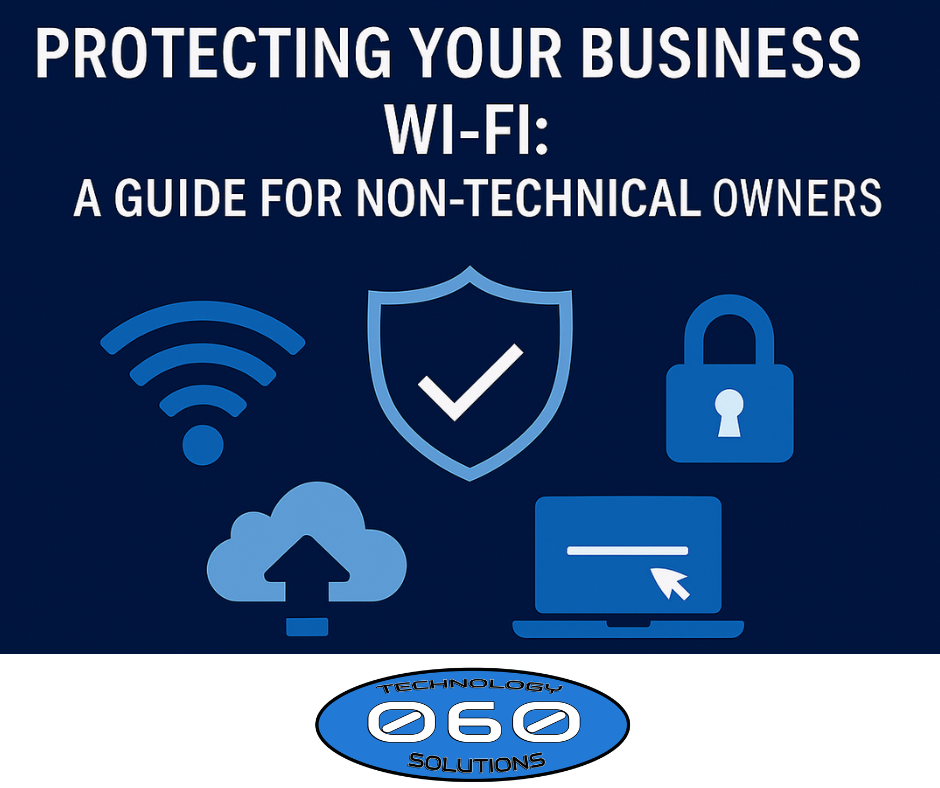
Your business Wi‑Fi connects everything—from computers and phones to printers, point‑of‑sale systems, and cloud services. However, many small businesses leave Wi‑Fi unsecured or set up incorrectly. As a result, hackers can steal data, slow down operations, or even shut systems down entirely. The good news is that protecting your business Wi‑Fi does not require technical expertise—just the right guidance.
This simple guide explains how non‑technical business owners can secure their Wi‑Fi, reduce cyber risk, and protect daily operations.
If you want help applying these steps, visit https://060tech.com/ or explore our Managed IT Services at https://060tech.com/managed-it-services/.
Why Business Wi‑Fi Security Matters
Unsecured Wi‑Fi is one of the easiest ways attackers gain access to business networks. Because Wi‑Fi connects so many devices, a single weak password or outdated router can expose everything.
Common risks include:
- Stolen customer or employee data
- Slow or unreliable internet
- Unauthorized users on your network
- Malware or ransomware infections
According to federal guidance, many small business cyber incidents start with insecure networks.
🔗 CISA Small Business Cybersecurity:
https://www.cisa.gov/cybersecurity-small-business
Step 1: Separate Business Wi‑Fi from Guest Wi‑Fi
If customers, vendors, or visitors use the same Wi‑Fi as your computers, your business is at risk. Therefore, you should always separate networks.
✅ One Wi‑Fi for employees
✅ One Wi‑Fi for guests
This prevents guests from accessing sensitive systems.
If your router does not offer guest networks, it’s time for a business‑grade upgrade.
Step 2: Use Strong Wi‑Fi Passwords (Not the Default)
Default router passwords are easy to guess. In fact, many are publicly documented online. For this reason, your Wi‑Fi password should be:
✔ At least 12 characters
✔ A mix of letters, numbers, and symbols
✔ Changed when staff leave
Avoid posting Wi‑Fi passwords on walls or sharing them freely.
🔗 FTC Wi‑Fi security basics:
https://consumer.ftc.gov/articles/how-secure-your-home-wireless-network
Step 3: Update Your Router and Access Points Regularly
Router updates fix known security holes. Without updates, attackers exploit these weaknesses.
If updates sound technical, don’t worry—managed IT services automate this process.
👉 Learn more here: https://060tech.com/managed-it-services/
Step 4: Use Business‑Grade Equipment
Home routers are not designed for business security. Instead, businesses should use equipment that includes:
- Firewalls
- Monitoring and alerts
- Secure remote access
- Automatic updates
This significantly reduces cyber risk and improves performance.
Step 5: Limit What Devices Can Connect
Not every device should access your business Wi‑Fi. Therefore, only approved computers, phones, and tablets should connect.
✅ Block unknown devices
✅ Remove old or unused devices
✅ Secure printers and scanners
This reduces the chance of infection spreading across your network.
Step 6: Monitor Activity (So Problems Don’t Go Unnoticed)
Without monitoring, problems go unseen until it’s too late. However, proactive monitoring flags unusual activity early.
Monitoring helps identify:
- Suspicious logins
- Network slowdowns
- Connected unknown devices
🔗 CISA guidance on network monitoring:
https://www.cisa.gov/topics/cybersecurity-best-practices
How 060 Technology Solutions Helps Secure Business Wi‑Fi
060 Technology Solutions helps Kansas businesses secure Wi‑Fi without complexity.
✅ Secure Wi‑Fi and firewall setup
✅ Guest network separation
✅ Equipment upgrades
✅ Monitoring and alerts
✅ Ongoing maintenance and support
Learn more at https://060tech.com/managed-it-services/.
Simple Wi‑Fi Security Self‑Check
Ask yourself:
- Do customers use the same Wi‑Fi as employees?
- Is the router over 3–5 years old?
- Has the Wi‑Fi password ever been changed?
- Are updates handled automatically?
If you answered “no” or “not sure,” your Wi‑Fi may be exposed.
Closing: Protect Your Wi‑Fi, Protect Your Business
Your Wi‑Fi is the front door to your business systems. Because cyber threats continue to increase, basic Wi‑Fi security is no longer optional. Fortunately, securing your network is simple with the right support.
Contact 060 Technology Solutions to secure your Wi‑Fi and eliminate unnecessary risk.
📞 Local: 316.425.9060
📞 Toll‑Free: 1.888.424.5060
🌐 https://060tech.com/