
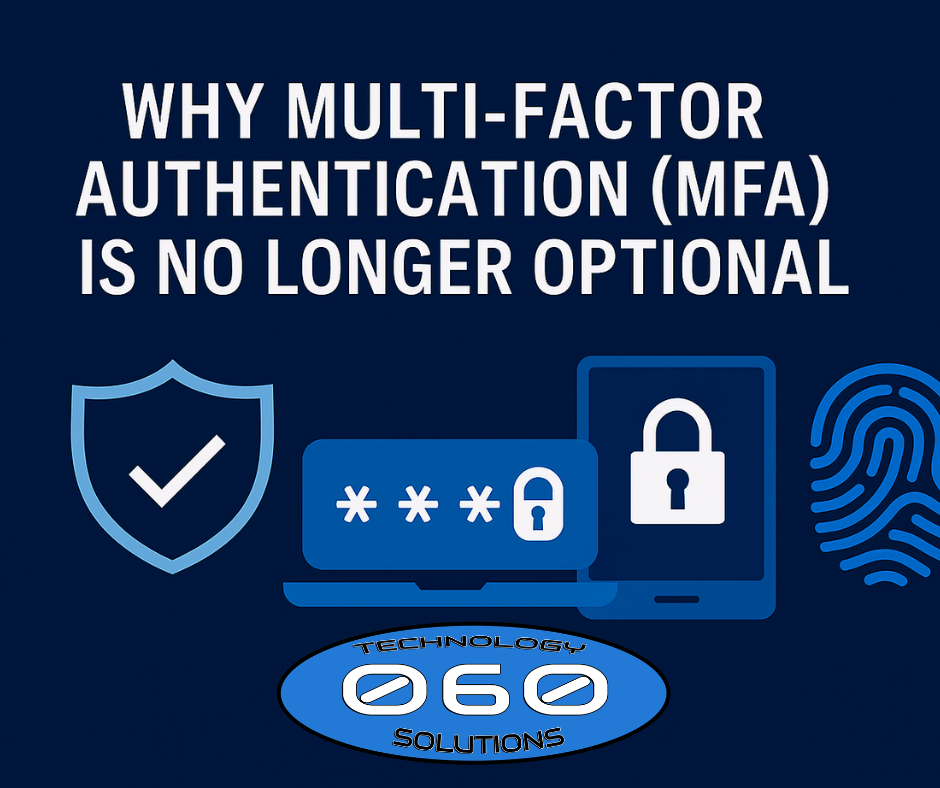

Passwords are regularly stolen through phishing, reuse, and malware. Therefore, multi‑factor authentication (MFA)—a second proof such as a code, prompt, or security key—has become essential for small businesses. With MFA, a stolen password alone is not enough to log in. As a result, account‑takeovers drop dramatically, cyber‑insurance approvals get easier, and compliance gaps close.
Need help enabling MFA across Microsoft 365 and critical apps? Start with https://060tech.com/ or our Managed IT Services: https://060tech.com/managed-it-services/.
What MFA Is (and Is Not)
MFA requires two or more of the following:
- Something you know: password or PIN
- Something you have: phone prompt, hardware key, authenticator app
- Something you are: fingerprint or face ID
It is not: just a long password, security questions, or a single text message once a year. True MFA is every login (or high‑risk events) with an extra factor.
Authoritative references:
• CISA MFA Guidance — <https://www.cisa.gov/resources-tools/resources/multifactor-authentication-mfa>
• NIST SP 800‑63B (Digital Identity Guidelines) — <https://pages.nist.gov/800-63-3/sp800-63b.html>
• Microsoft Learn: Protect identities with MFA — <https://learn.microsoft.com/azure/active-directory/authentication/concept-mfa-howitworks>
Why MFA Is No Longer Optional in 2026
1) Phishing is smarter—and faster
Attackers use convincing emails and fake sign‑in pages. However, when MFA is enforced, stolen passwords are far less useful.
Learn more: CISA Phishing — <https://www.cisa.gov/phishing>
2) Password reuse is common
Users often reuse the same password across work and personal apps. Consequently, one third‑party breach can expose your tenant—unless MFA stops it.
3) Insurance and compliance expect it
Cyber insurers now ask whether MFA is enabled for all users and admins. Therefore, enforcing MFA improves eligibility and premiums.
Reference: NIST CSF overview — <https://www.nist.gov/cyberframework>
4) Remote/hybrid work expands your attack surface
Logins now happen from home networks, coffee shops, and travel. Thus, MFA adds a portable layer of protection everywhere.
Which MFA Method Should Small Businesses Use?
From most secure to most common:
- Phishing‑resistant MFA (best):
FIDO2 security keys (e.g., YubiKey) or platform passkeys. Hard for attackers to phish and easy for users once set up.
Microsoft guidance: <https://learn.microsoft.com/azure/active-directory/authentication/concept-authentication-passwordless> - App‑based one‑time codes (TOTP):
Microsoft/Authenticator apps generate rotating codes offline. Good balance of security and cost. - Push notifications with number‑matching:
Approvals require entering a number shown on screen. Therefore, “MFA fatigue” push‑spamming is reduced.
Microsoft Authenticator number‑matching: <https://learn.microsoft.com/azure/active-directory/authentication/how-to-mfa-number-match> - SMS/voice codes (fallback only):
Better than nothing; however, SIM‑swap attacks exist. Consequently, use only as a backup method.
What to Protect with MFA First (Quick Wins)
Prioritize accounts that unlock the most risk:
- Microsoft 365 tenant: all users, especially admins
- Email: Exchange/Outlook and forwarding rules
- Remote access: VPN, RDP, remote tools
- Finance & payments: banking, payroll, billing portals
- Line‑of‑business apps: CRM, EHR, ERP, PSA, ticketing
- Cloud consoles: Azure, AWS, Google Cloud
Want this deployed safely and quickly? Our team handles tenant hardening, MFA rollout, help‑desk coaching, and policy tuning: https://060tech.com/managed-it-services/
How to Roll Out MFA Without Disrupting Work (7 Steps)
- Baseline & pilot
Identify admins and high‑risk users; pilot with a small group. - Enable at least two methods
For every user, set primary (app or key) and backup (SMS or recovery codes). - Turn on number‑matching + location in prompts
Reduce “approve‑anything” habits and improve user awareness. - Protect admin roles first
Require phishing‑resistant methods for global admins. - Use Conditional Access (or equivalent)
Challenge for risky sign‑ins, unknown devices, or new locations. - Train users
Short videos or one‑pager guides: how to enroll, recover, and what to report. - Monitor and refine
Review sign‑in risk, blocked attempts, and enrollment gaps monthly.
Helpful guidance:
• Microsoft Entra / Azure AD MFA docs — <https://learn.microsoft.com/azure/active-directory/authentication/>
• CISA “Shields Up” (ongoing vigilance) — <https://www.cisa.gov/shields-up>
Addressing Common Objections
- “MFA slows people down.”
Enrollment takes minutes; daily prompts take seconds. Moreover, downtime from breaches is far costlier. - “Text codes are annoying.”
Move to Authenticator app or security keys. Consequently, approvals are faster and more secure. - “Executives don’t want MFA.”
Executive mailboxes are top targets. Therefore, protect leadership first with keys and Conditional Access. - “Contractors don’t need MFA.”
Any external account with access is a potential entry point. As a result, enforce per‑user MFA or use guest access policies.
What You Gain by Enforcing MFA
- Fewer account‑takeovers and fraudulent wire requests
- Lower incident response costs and downtime
- Higher insurance eligibility and easier renewals
- Better compliance posture (NIST‑aligned controls)
- Greater user confidence logging in from anywhere
Why Small Businesses Choose 060 Technology Solutions
We make MFA adoption simple:
- Tenant hardening and Conditional Access policies
- Company‑wide enrollment with friendly coaching
- Phishing‑resistant MFA (security keys / passkeys) for admins
- Reporting & reviews: enrollment, risky sign‑ins, blocked attempts
- Help desk for recovery scenarios and new devices
Explore Managed IT Services: https://060tech.com/managed-it-services/
Or start at our homepage: https://060tech.com/
Quick Self‑Check: Are You at Risk?
- MFA is not enforced for all users
- Admins still use only passwords
- SMS codes are the only factor in use
- You’ve seen phishing or fraud attempts recently
- Users still approve random push prompts
If two or more are true, your business needs an MFA rollout now.
Next Steps
Ready to deploy MFA without drama? We’ll design policies, train users, and support your team.
Contact 060 Technology Solutions
☎️ Local: 316.425.9060
📞 Toll‑Free: 1.888.424.5060
🌐 https://060tech.com/